
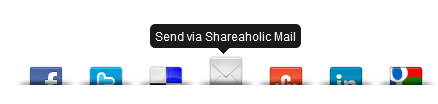
A simple Share Buttons Widget with Counts for Blogger. A one click instant install with no hassles of modifying the Template to integrate into the blog. Shareaholic Sexy Bookmarks include buttons from Facebook , Twitter , LinkedIn , Delicious , StumbleUpon , Google Bookmarks and a Email Send button with each one of them showing the number of times it has been shared previously. In this tutorial we will see how to embed it in your blog.
Demo
Video Tutorial
Steps
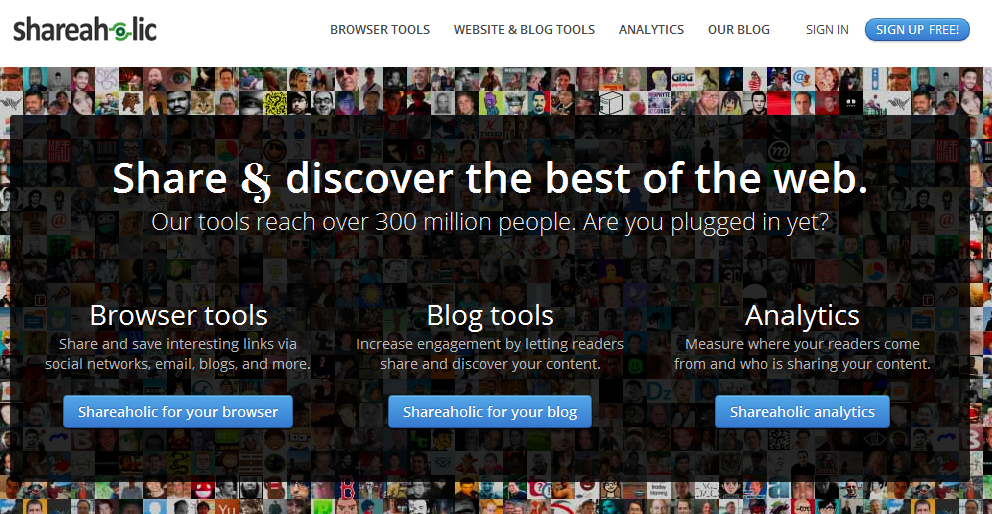
1. Go to http://www.shareaholic.com/ and Click the Sign Up button
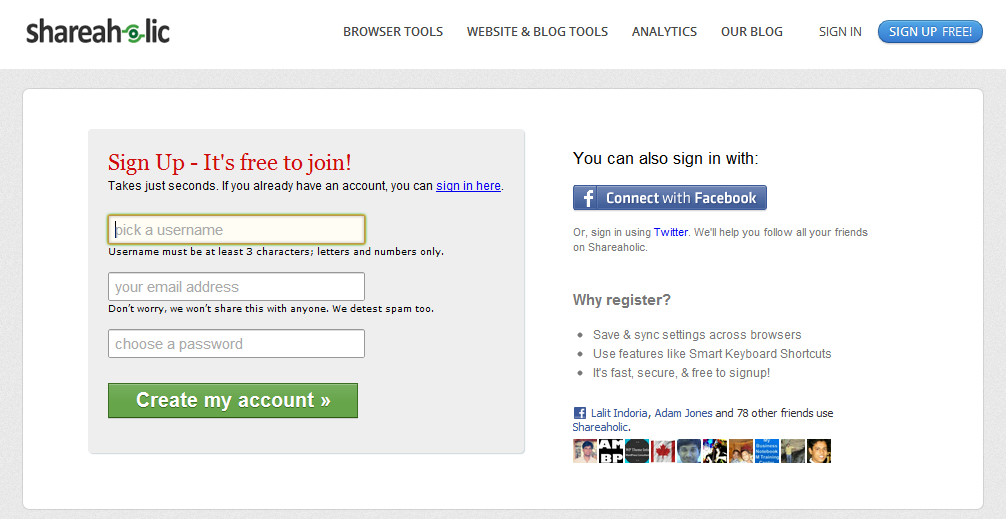
2. Sign Up with either the Facebook Connect option or using your Twitter account option . You can also sign up manually too.
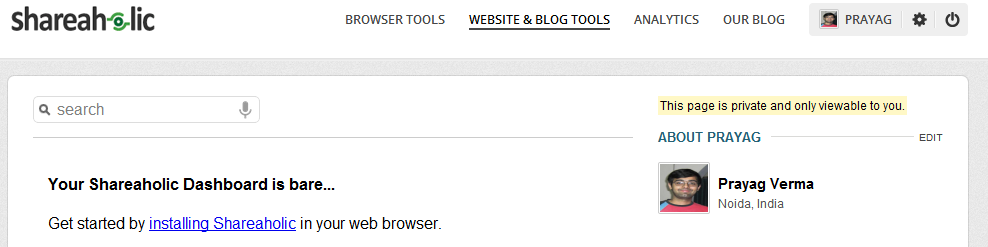
3. After signing up click the Website & Blog Tools Option
4. Now select the Sexy Bookmarks Tab and then click the Next button

5. Now choose Blogger as the platform and Click the button to Install
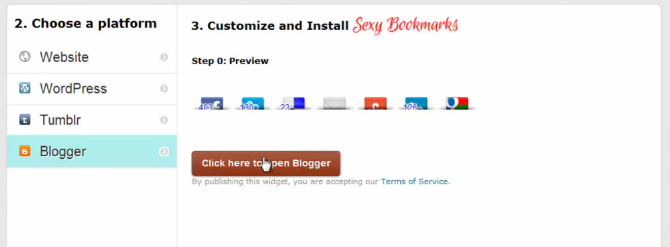
6. Now Add the Widget and check your blog to see it in action.

You can similarly install the Classic Bookmarks and Sassy Bookmarks too
 Find me on
The site won't load :/
"Whoops!
Looks like an error occured while processing your last request.
We've been notified and will take a look into it shortly."
There site is experiencing some server issues right now , they will fix it soon
Thanks Prayang
Now Shareaholic available for blogger ^_^
The site is now up , you can follow the steps and install the widget to your blog
Thanks for this post, is so helpful. I have seen what i have been looking for.
how
how
HI Prayag....once I sign up on Shareaholic, I can't see any options on top for Website & Blog Tools. Below the on the footer there is an option for website & Blog tools where I click Share buttons and it does not take me to the window as per your tutorial. Can you help me?
as per you deascribed above I added it on my blog. But the widget is not appearing, what would be the problem??
My Blog Trickz Cafe
Thanks
Vivek
Oh my gosh, I wish I had found this sooner! Thank you SO much. Trying to do this myself in html has been a nightmare.